How Figurenote works
Five steps. Fifteen seconds. One less thing to dread every month.
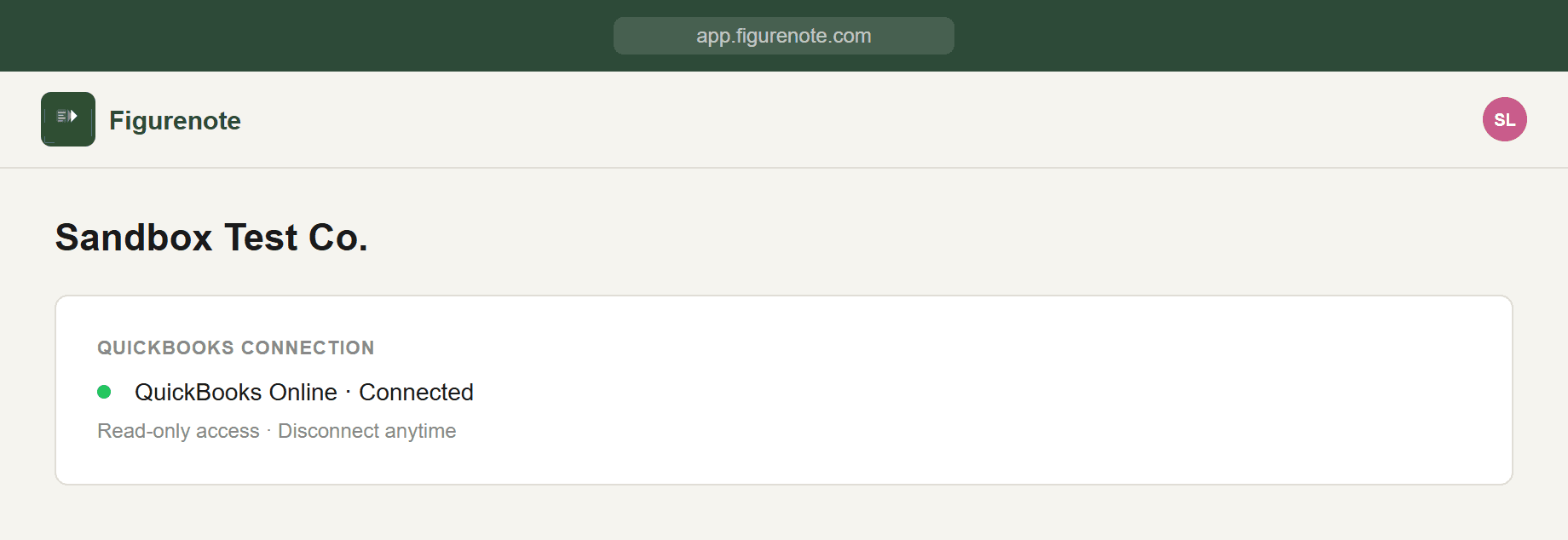
Connect your QuickBooks account
Getting started takes about 30 seconds. Click "Connect QuickBooks" and you'll be taken to the standard Intuit OAuth login screen — the same one you use to log into QuickBooks directly. We never see or store your QuickBooks password.
Once you authorize the connection, Figurenote gets read-only access to your QuickBooks Online account. That means we can pull reports, but we can't modify anything — your books are safe.
Select a client and a month
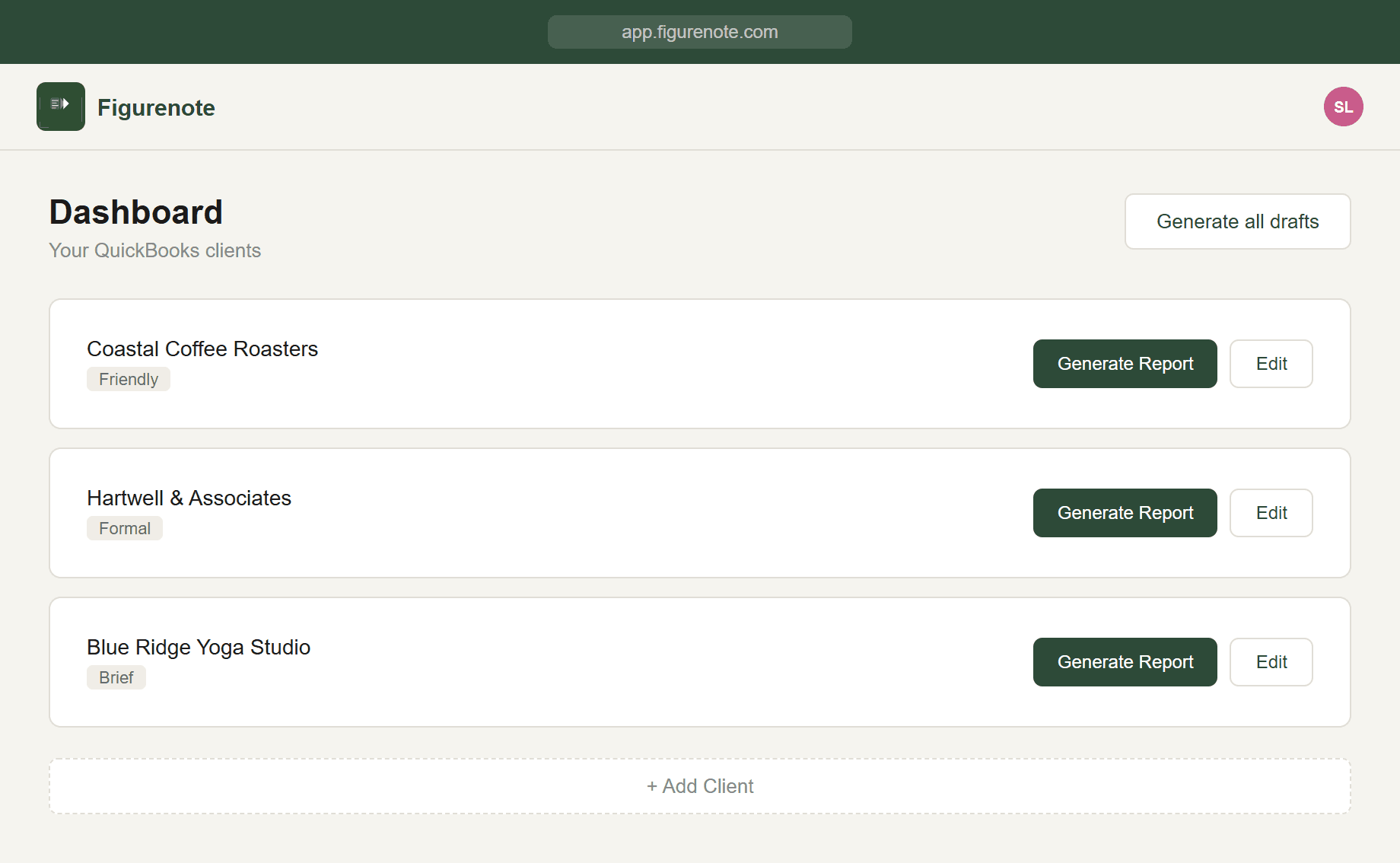
Your connected QuickBooks clients appear in a simple dropdown. Select the client you want to write an email for, then choose the reporting month. That's it — no navigating QuickBooks menus, no pulling reports manually.
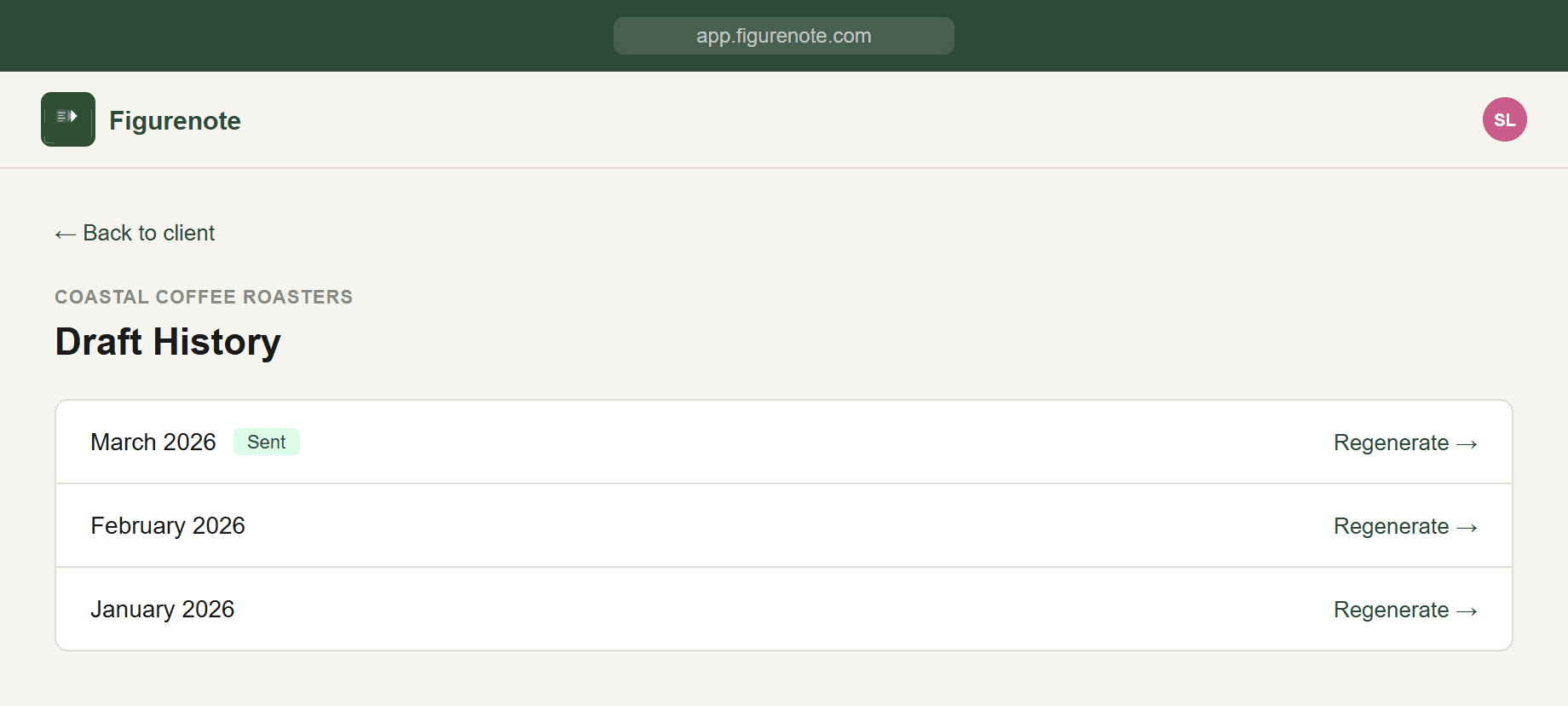
Figurenote remembers your clients so each subsequent month is even faster. You can run through your entire roster in sequence without switching between tabs. Or click 'Generate all drafts' at the top of your dashboard to queue every client at once.
Figurenote pulls the P&L report
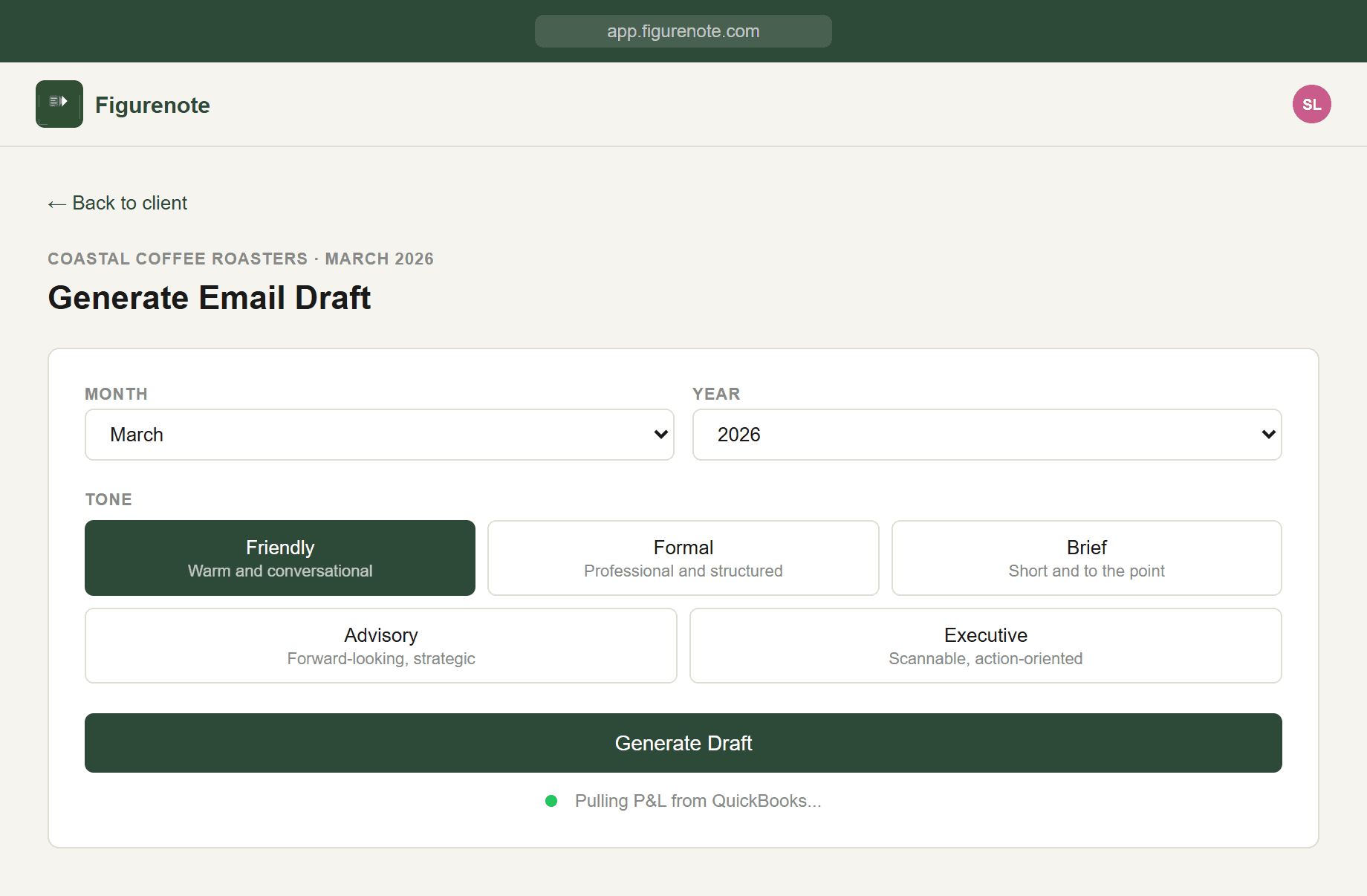
As soon as you select a client and month, Figurenote automatically retrieves the Profit and Loss report from QuickBooks Online via the API. There's nothing to download, export, or copy.
The data is read in real time — you're always working with the latest figures from QuickBooks, not a stale export from last week.
Figurenote also flags anything unusual — a revenue spike, an unexpected expense, or a single client making up most of your revenue — so you're never caught off guard before you send.
Claude AI drafts the email
Figurenote sends the P&L data to Claude AI, which analyzes the numbers and drafts a plain-English email summary. This isn't a fill-in-the-blanks template — it's a genuinely readable explanation of what happened in your client's business that month.
Revenue, expenses, net profit, and any notable changes are explained in language a business owner can actually follow. The draft typically appears in 10–15 seconds.
Figurenote remembers the last few months of drafts for each client, so the email naturally references how this month compares to recent history — without you having to look anything up.
Edit, copy, send
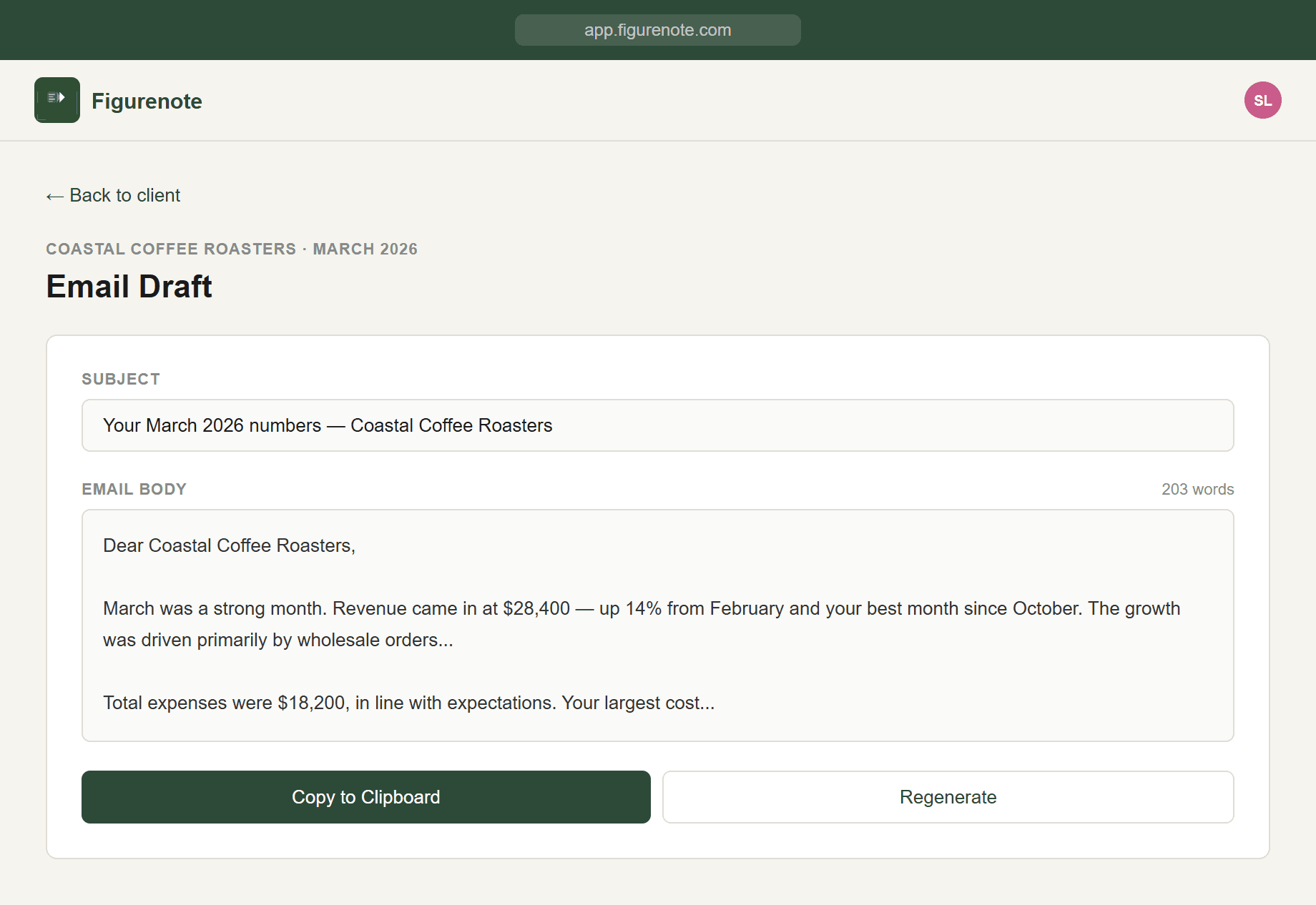
You see the full draft before anything leaves Figurenote. Read it, tweak the tone, add a personal note, adjust any numbers — it's your email, your voice. When you're happy, click copy and paste it into your Gmail, Outlook, or any email client.
Figurenote never sends emails on your behalf. Your clients receive emails from you, in your voice, from your email address. They'll never know Figurenote was involved.
Time comparison
The old way vs. Figurenote
The old way
- 1.Open QuickBooks
- 2.Navigate to the client’s P&L report
- 3.Export or screenshot the report
- 4.Open your email client
- 5.Write the summary from scratch
- 6.Edit and rewrite until it makes sense
- 7.Send
Time per client: 20–30 minutes
With Figurenote
- 1.Connect QuickBooks (once)
- 2.Select client and month
- 3.Draft is ready in seconds
- 4.Edit if needed
- 5.Copy
- 6.Send
Time per client: Under 60 seconds